Professional freelance invoices, generated from your tracked time.
When you've tracked your time in Aeto, invoicing takes minutes rather than an hour of manual entry. Every line item is already there, pulled from your time slips automatically.
30-day free trialNo credit card requiredMac · Web · Chrome
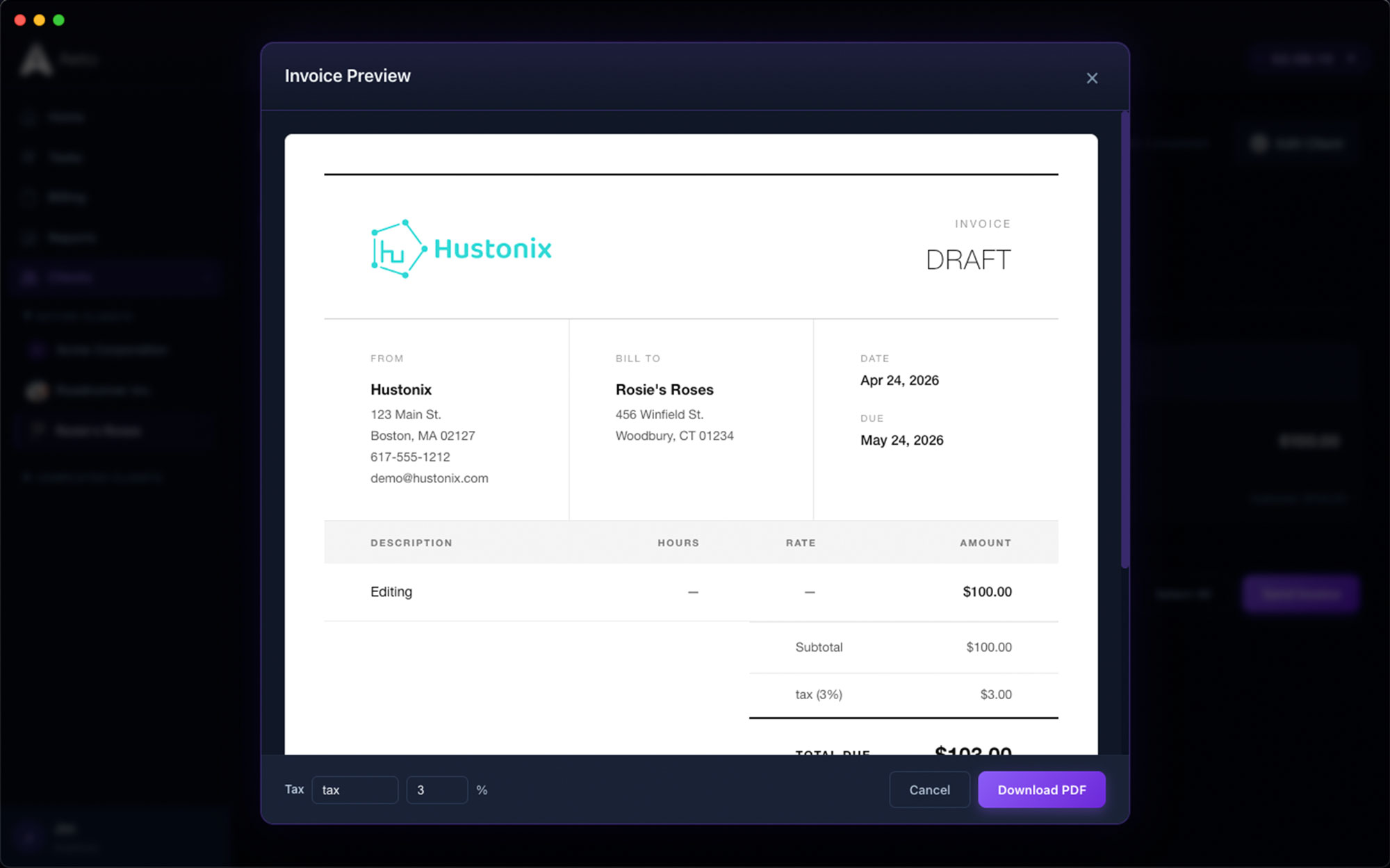
From time tracking to paid invoice: here's the process.
Every step of the workflow connects. What's on the board ends up on the bill — because the board, the timer, and the invoice are the same thing.
Step
01
From time to invoice in one click.
Select a client, choose the billing period, and Aeto pulls every unbilled time slip into an invoice draft. Review the line items, adjust anything that needs changing, and send.
Step
02
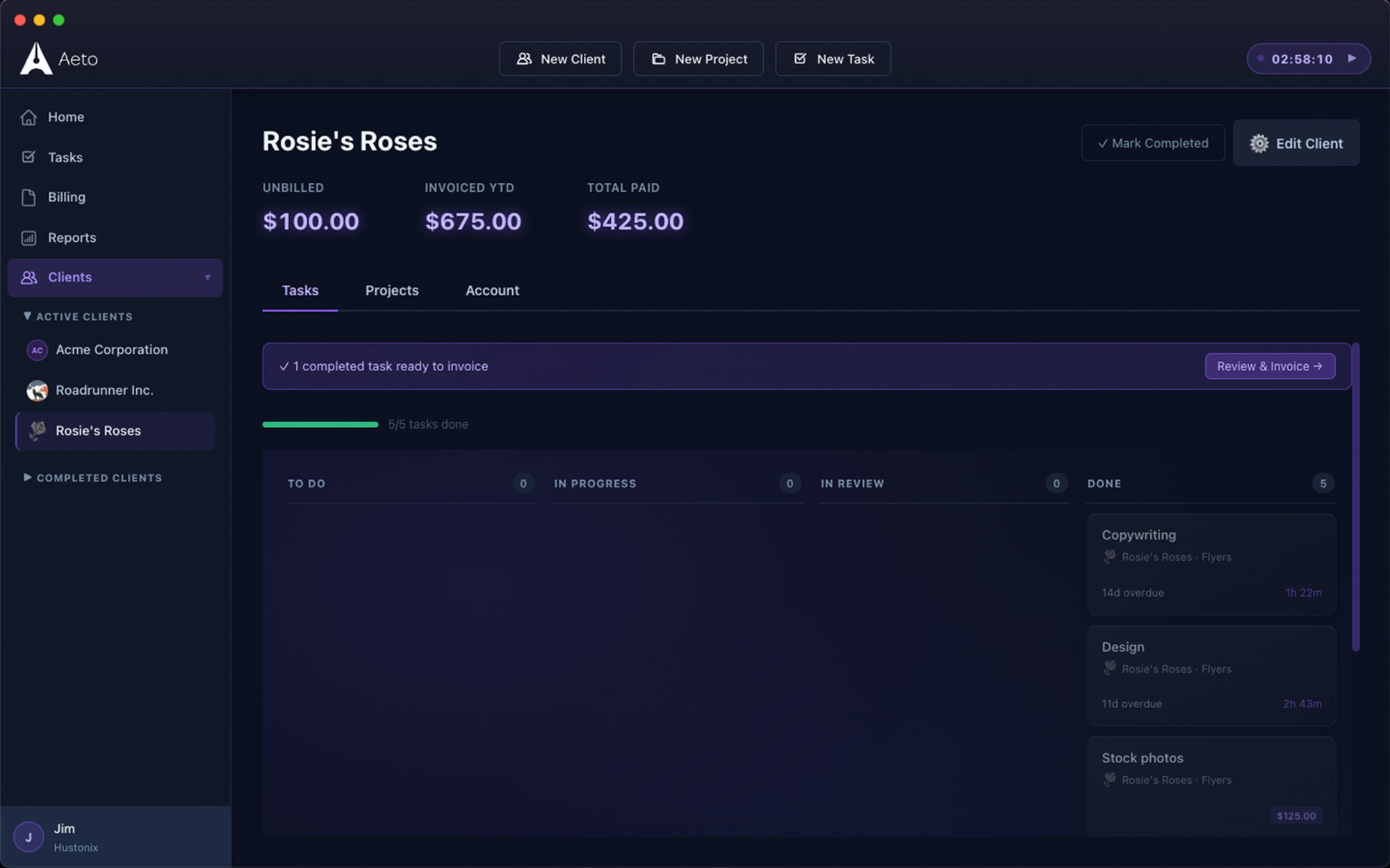
Professional invoice design.
Aeto invoices are clean and professional: your business name, your logo, client details, itemized work, rates, and totals. Nothing that looks like it came from a spreadsheet template.
Step
03
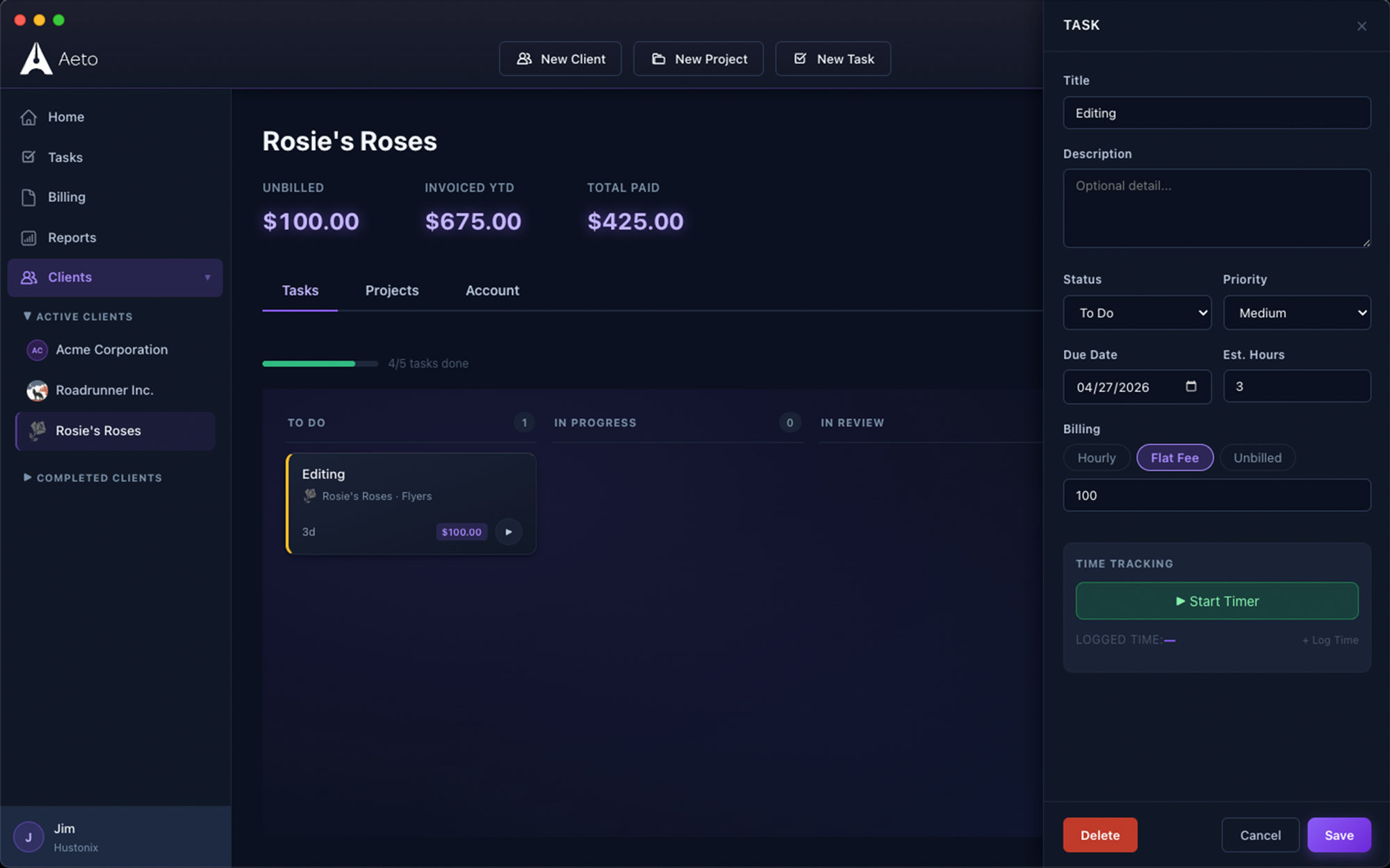
Flat-fee invoicing.
For flat-fee projects, create an invoice with a single line item for the agreed amount. Aeto tracks the internal hours separately: the client sees what was agreed, and you see what it actually cost.
Step
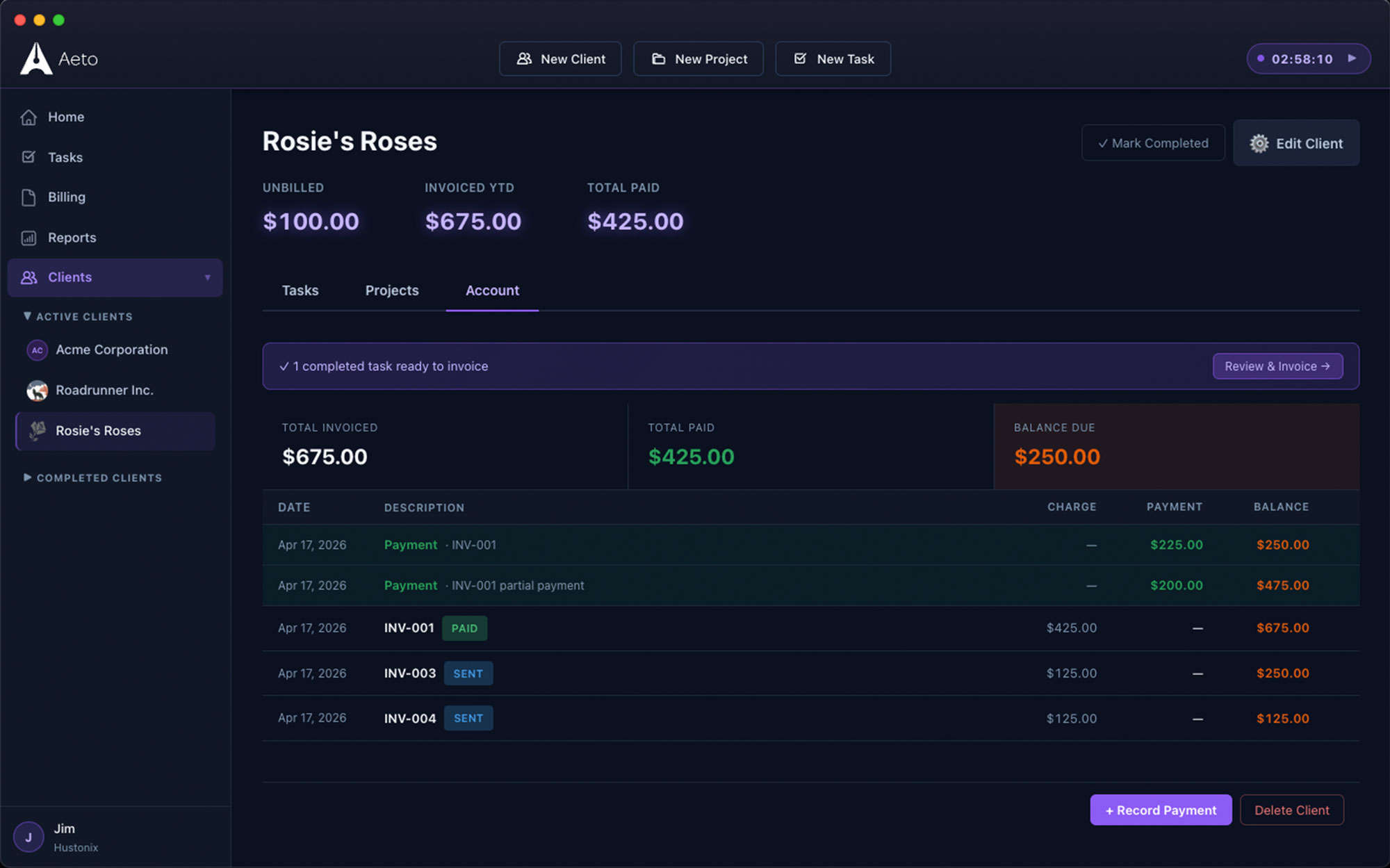
04
Payments ledger.
Mark invoices paid, partially paid, or overdue. The payments ledger gives you a running view of outstanding balances across all clients, so nothing slips past a due date unnoticed.
Questions about invoicing in Aeto.
Q.01How does Aeto generate invoices from tracked time?
Select a client and billing period. Aeto pulls every unbilled time slip into a draft invoice — itemized by task, with hours and rates already filled in. Review, adjust if needed, and send.
Q.02Can I invoice for flat-fee projects?
Yes. For flat-fee projects, create an invoice with a fixed line item. Aeto continues tracking internal hours separately so you can see the effective hourly rate and evaluate profitability.
Q.03Can I track which invoices have been paid?
Yes. The payments ledger shows all invoices across all clients with their status: paid, partially paid, or overdue. You can see your total outstanding receivables at a glance.
Q.04Does Aeto handle tax on invoices?
Yes. You can add a tax rate per invoice. Set a default rate per client or override it each time. Aeto calculates the tax amount automatically based on the rate you set.